

Transitions - Week 8
- Julia Toczyska
- Dec 18, 2023
- 1 min read

This week, our lecturer gave us a folder containing many transitions to experiment with. First, we opened the folder and checked which transition file matched the resolution of our project. After finding the right file, we right-clicked the bin tab, clicked import, and selected the file to add the transitions to our project. Although we initially had missing media issues, we eventually solved this issue. Next, we chose a transition, dragged it between two clips, and dropped it to add the selected transition between the clips.


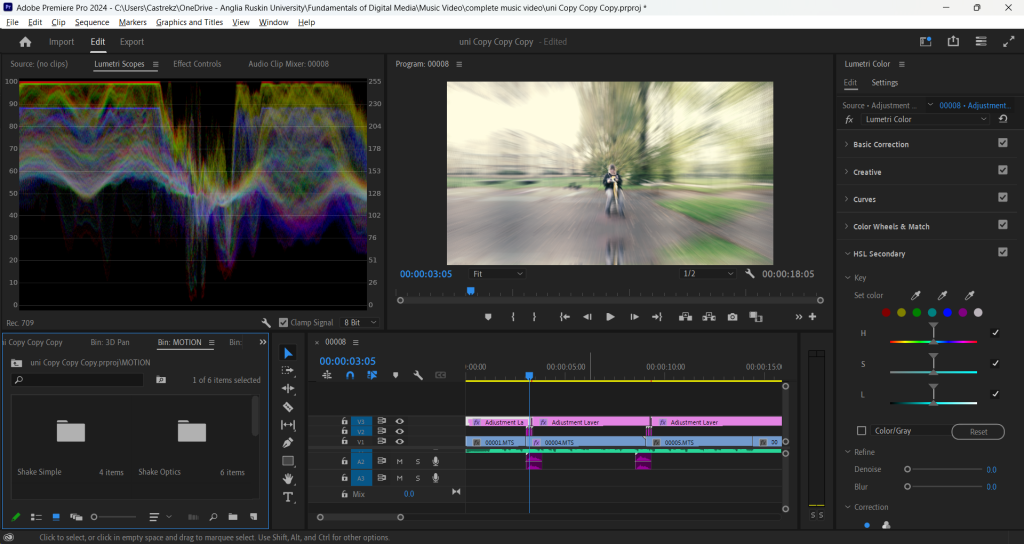
Transitions Test
Filming - Day 3
After our previous failed attempt to film this scene using a makeshift greenscreen and lighting setup, we booked the film room, which had a built-in greenscreen and professional lighting. We began by setting up the greenscreen and adjusting the lights, the most critical elements for this scene. We then placed some chairs behind the greenscreen and positioned the cardboard flames we had made earlier. We also prepared the red, orange, and yellow paper confetti that would simulate fire. Unlike our other shoots, this time I was the one to film instead of Cassie as she had to played the role of the fake cameraperson who would appear in the music video.


Comments