

Colour Correction - Week 7
- Julia Toczyska
- Dec 14, 2023
- 1 min read

Updated: Dec 23, 2023
We received a video filmed by Liam Conway in RAW format and were tasked with colour grading it.
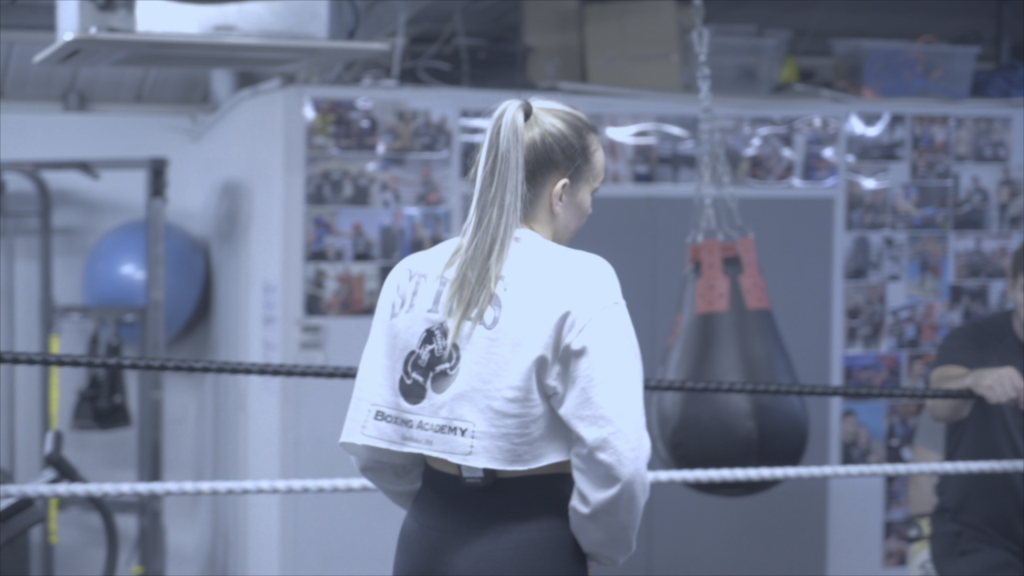
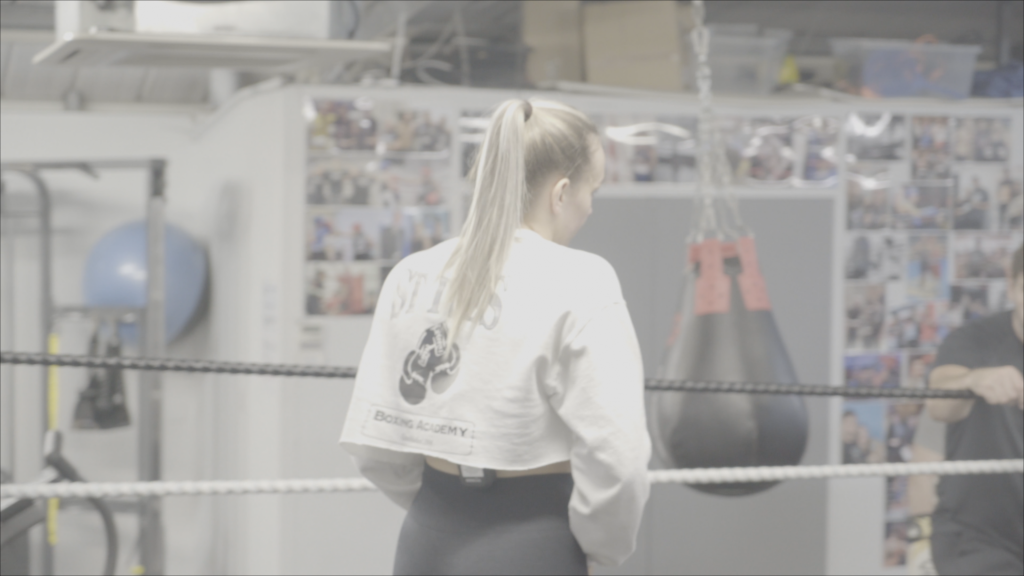
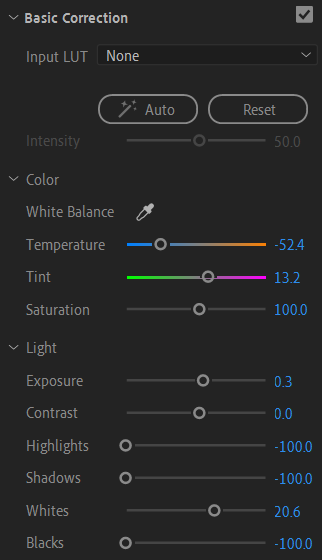
First, I navigated to Window > Workplaces > Colour to change the Premiere layout, revealing the Lumetri scopes and colour adjustment tabs that are integral for colour grading. I started with basic correction, using the white balance tool to select the whitest object in the scene - the girl's top.
I adjusted the temperature slider to a cold colour temperature, fitting for an underground boxing club's grim atmosphere. Next, I fine-tuned the exposure, highlights, and other light controls until achieving the desired look.
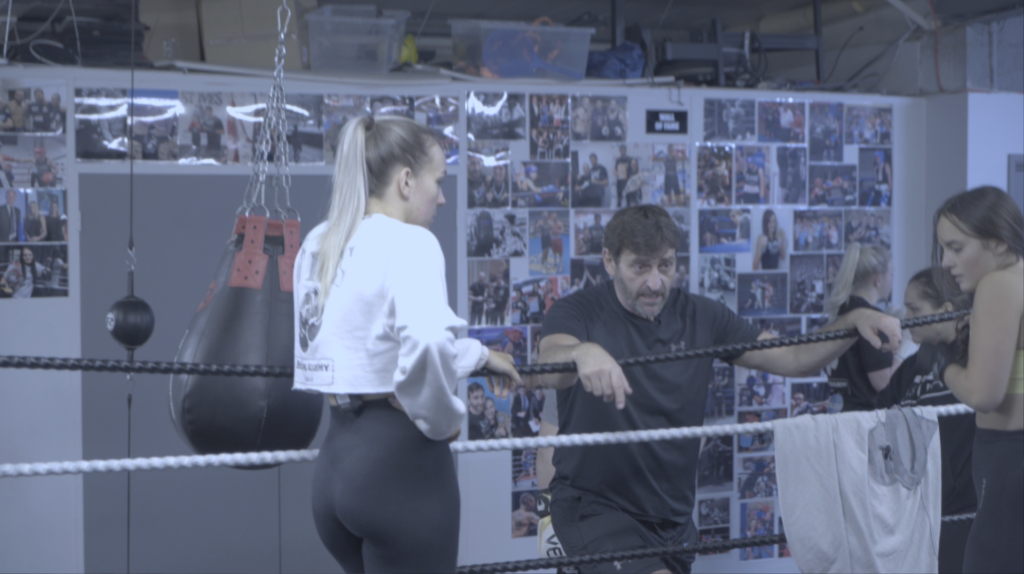
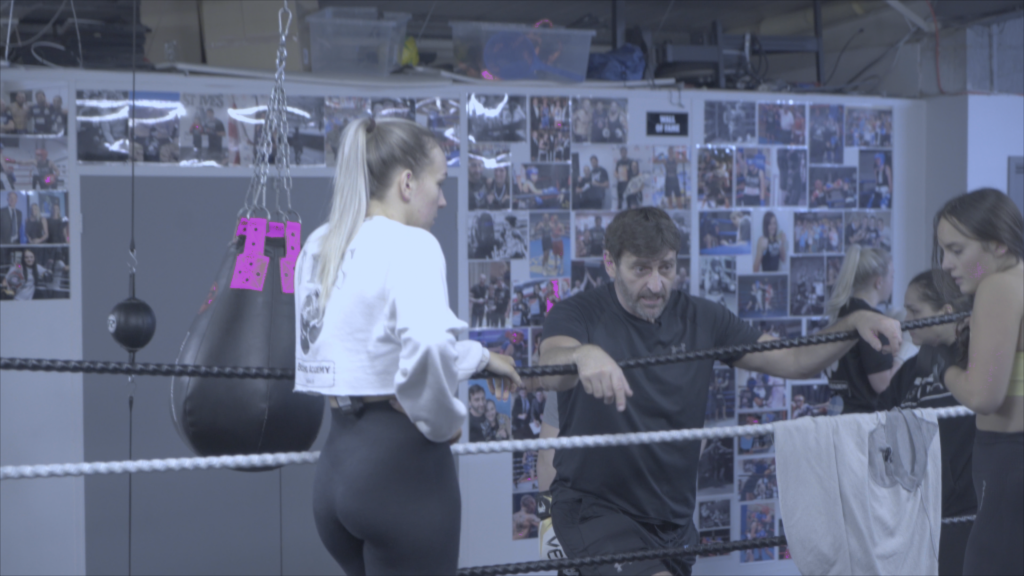

For our second task, we used the same tools to mask and change a certain colour.
Using the Lumetri Colour panel's HSL Secondary menu, I masked the red portion of the punching bag. Then, under the Correction tab, I changed the masked red to purple.
I found this tool extremely useful as it allows for some interesting colour manipulation, you can adjust something slightly, or similarly to me, you can play with realistic scenery and abstraction through the use of selected colour.


Comments